SideTuck for Mac

18 tools in one compact dial

A Mac toolkit that stays at the edge.

Skip a sample track, jot a note, or snap a window. No download needed.

Interactive demo — try it

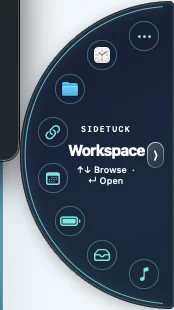
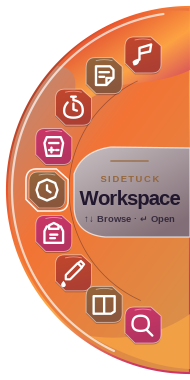
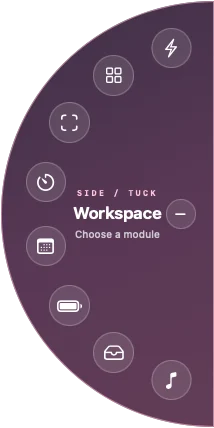
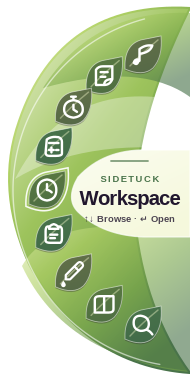
Close-up of the Liquid Glass dial and its tool buttons

Buy SideTuck — $5.99 · Coming soon

Pay once · Up to 2 Macs · 14-day money-back refund

Download for Mac · Coming soon

macOS 13+ · Apple silicon and Intel
Notes, snippets, and tasks are encrypted on your Mac.

How it works

Open the dial. Pick a tool. Get back to work.

  1. Open the dial. Press ⌥⌘S or click the edge handle.
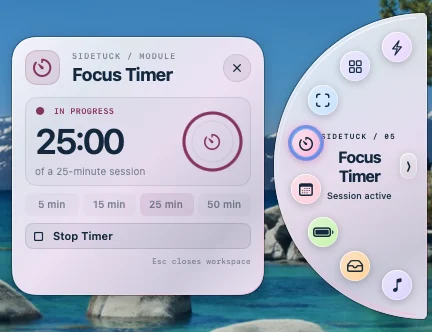
  2. Start a focus session. Open Focus Timer on the dial and choose Start Timer.
  3. Return to your work. Close the dial with the same shortcut. Your window is right where you left it.

The toolkit

18 modules. One small dial.

Turn modules on or off, put your favorites first, and assign shortcuts to open them directly.

Jot a note

Capture an idea without switching away from your work.

  • Quick Notes
  • Snippets
  • To-Do

Snap a window

Put a window where you need it without dragging its edges.

  • Window Snap
  • Quick Actions

Bring back a clip

Turn on clipboard history to reuse recent clips. They’re cleared when you quit.

  • Clipboard History

Copy a color

Sample any pixel, then copy its HEX, RGB, or HSL value.

  • Color Picker

Make time to focus

Start a timed session and see how much focus time you’ve logged.

  • Focus Timer

Check a time or total

Keep up to four time zones in view, or copy the result of a quick calculation.

  • World Clock
  • Calculator

Set up your Mac

Keep your Mac awake, hide desktop icons, or switch system appearance.

  • System Toggles
Explore all 18 tools
Search
Find apps, dial pins, and recent files indexed by Spotlight. Open a result with Return.
Pinned Apps
Keep favorite apps close. Add apps, folders, files, and websites as dial pins.
File Shelf
Drag in files to preview, share, or use later. The shelf remembers paths, not copies.
Window Snap
Move and resize the front app’s window into halves, quarters, or the full usable screen.
Quick Notes
Keep searchable local notes and check off Markdown tasks right inside a note.
Snippets
Copy reusable text with date, time, and optional clipboard placeholders.
To-Do
Make a short checklist, flag items for today, and see the open count on the dial.
Clipboard History
Optionally keep recent clips in memory and copy them again. Nothing survives quitting.
Capture
Take screenshots, record the main display, or extract text with on-device OCR.
Color Picker
Sample a screen color and copy HEX, RGB, or HSL. Reuse the last eight picks.
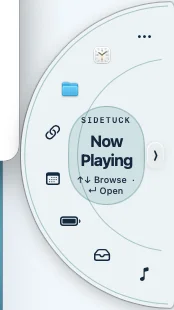
Now Playing
View tracks and control playback in Apple Music or Spotify.
Calendar
See the next few events from your Mac calendars, without editing them.
Focus Timer
Run a timed session, see your recent focus stats, and optionally link macOS Shortcuts.
Battery
See charge and power status when your Mac reports a battery.
Quick Actions
Reach handy Mac commands such as Lock Screen without leaving the dial.
System Toggles
Keep awake, hide desktop icons, switch system dark mode, or mute adjustable mic input.
World Clock
Keep up to four time zones in view.
Calculator
Work out quick arithmetic and copy the result.

Five jobs, one shortcut

One app instead of five.

If these are the tools you reach for, SideTuck puts the essentials in one dial.

$5.99 USD once · Up to 2 Macs

See what’s included

Pricing

Buy once. Keep SideTuck 2.

Lifetime license

SideTuck Lifetime

$5.99

USD · One-time payment · 14-day money-back refund

  • All 18 tools and all eight dial styles
  • Activate on up to two Macs
  • Updates within major version 2 included
Buy SideTuck — $5.99 · Coming soon

Pay once · Up to 2 Macs · 14-day money-back refund

Download for Mac · Coming soon

Checkout by Dodo Payments, merchant of record.

See full pricing and terms

Make it yours

Eight styles. Light or dark.

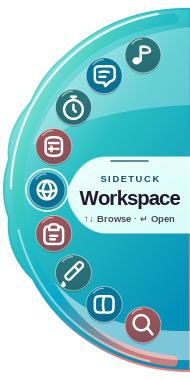
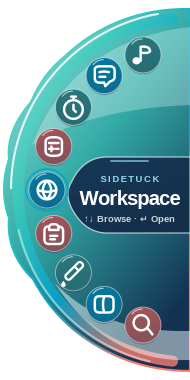
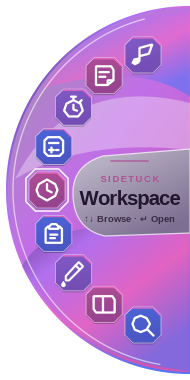
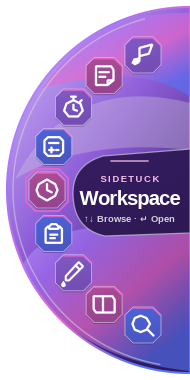
Match macOS or choose an appearance just for SideTuck. Mix any style with a built-in theme or your own accent.
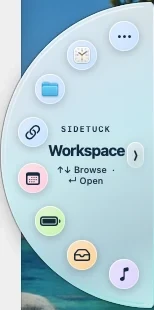
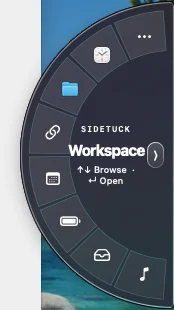
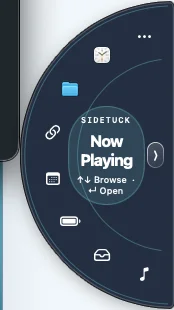
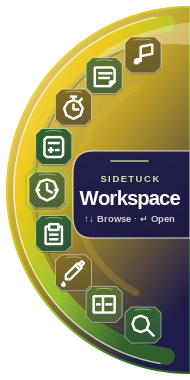
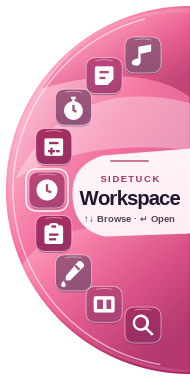
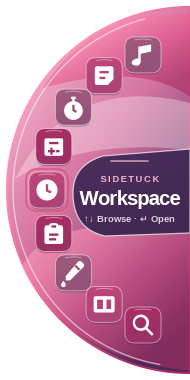
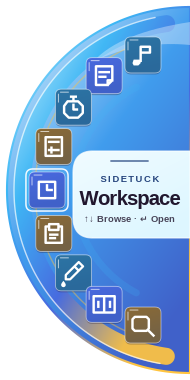
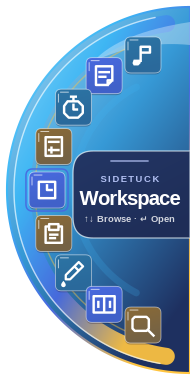
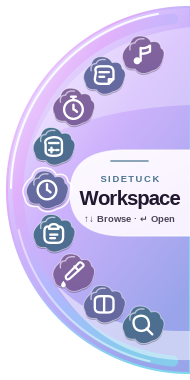
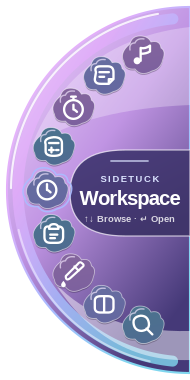
Liquid Glass

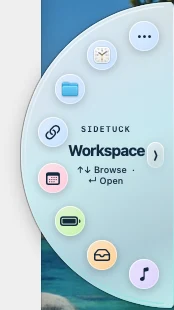
Liquid Glass dial in light appearance
Light
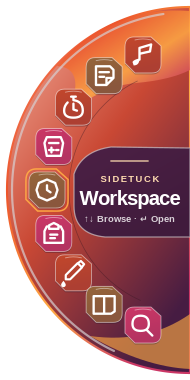
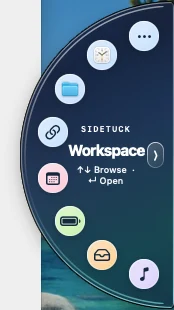
Liquid Glass dial in dark appearance
Dark

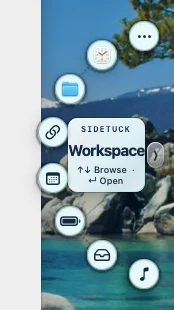
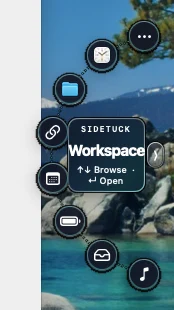
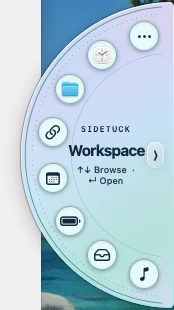
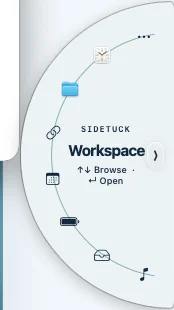
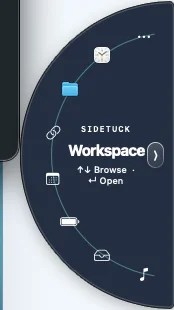
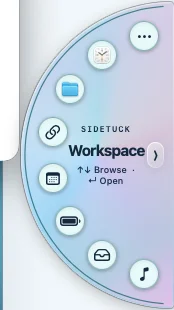
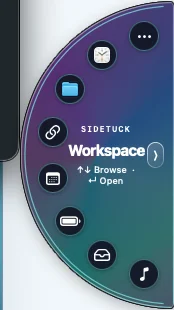
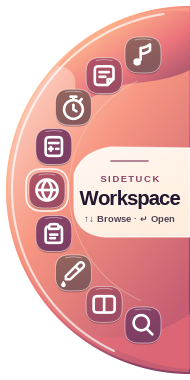
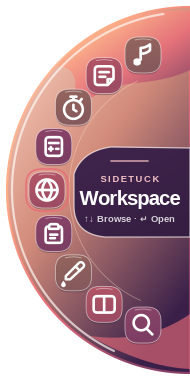
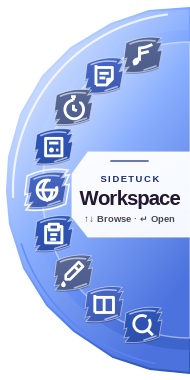
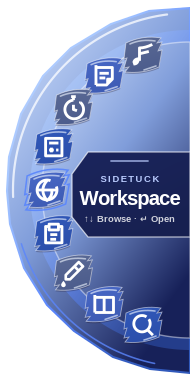
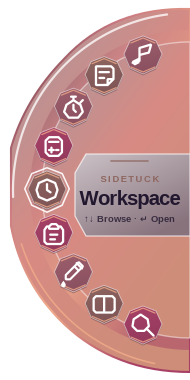
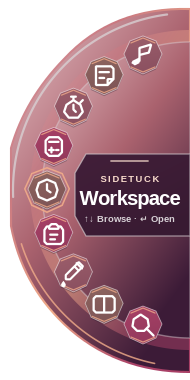
Orbit / Halo

Orbit / Halo dial in light appearance
Light
Orbit / Halo dial in dark appearance
Dark

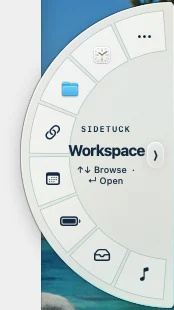
Segmented Wheel

Segmented Wheel dial in light appearance
Light
Segmented Wheel dial in dark appearance
Dark

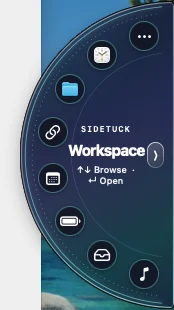
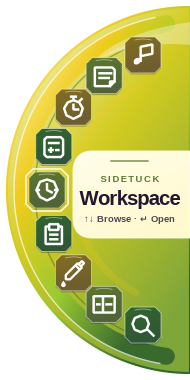
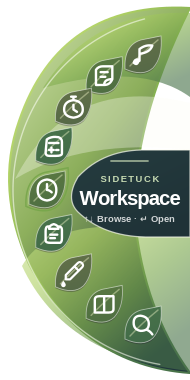
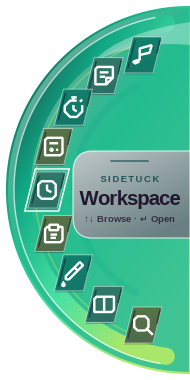
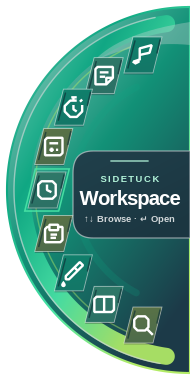
Luxe / Aurora

Luxe / Aurora dial in light appearance
Light
Luxe / Aurora dial in dark appearance
Dark

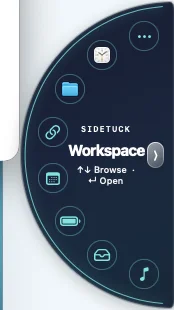
Neon Glow

Neon Glow dial in light appearance
Light
Neon Glow dial in dark appearance
Dark

Minimal Line

Minimal Line dial in light appearance
Light
Minimal Line dial in dark appearance
Dark

Click Wheel

Click Wheel dial in light appearance
Light
Click Wheel dial in dark appearance
Dark

Nebula

Nebula dial in light appearance
Light
Nebula dial in dark appearance
Dark

Color, without the commitment

Ocean, Indigo, Emerald, Sunset, Rose, Rose Quartz, Graphite, System Accent, or a custom color.

SideTuck docked on the right with the Rose theme
Rose
SideTuck in the Rose Quartz theme
Rose Quartz

Privacy by default

Your workspace stays yours.

  • Notes, snippets, and tasks are encrypted on your Mac with a Keychain-held key.
  • No built-in tracking or analytics. Optional clipboard history stays in memory.
  • Spotify artwork is off by default. Backups and diagnostics are exported only when you choose.

Read the privacy policy

FAQ

A few things worth knowing.

Which Macs are supported?

SideTuck requires macOS 13 or later and runs on Apple silicon and Intel. Battery and mic controls depend on the hardware.

How does the lifetime license work?

One purchase covers up to two Macs and updates within version 2. Enter your key in Settings → License to unlock the tools. See the draft license terms.

Can I get a refund?

Yes. Request your money back within 14 days of purchase. Dodo Payments processes the refund. See the refund policy.

Can I use SideTuck offline?

You need an internet connection to activate or deactivate a license. Once activated, you can use SideTuck offline for up to 30 days after its last successful license check. While running, SideTuck attempts a check no more than once every seven days.

See all FAQs

Made for macOS

Give your tools a place at the edge.

For macOS 13 and later, on Apple silicon and Intel.

Buy SideTuck — $5.99 · Coming soon

Pay once · Up to 2 Macs · 14-day money-back refund

Download for Mac · Coming soon